CreateAI Builder
LLM comparison UX enhance
In this project, I restructured the workflow for using multiple LLMS with the CAB.
MY ROLE
UX designer
PLATFORM
Responsive Web
TIMELINE
July - Aug 2025
CONTEXT
CreateAI Builder is an AI platform where 150k+ Faculty, Staff, and students build their own AI project
and customize.
CreateAI Builder is an AI platform built by Arizona State University (ASU) with over 150k+ users.
One of CreateAI Builder's core features is a custom AI tool creation service that lets faculty and staff design and securely share AI-powered learning tutors or support bots using templates and their own materials.
PROBLEM
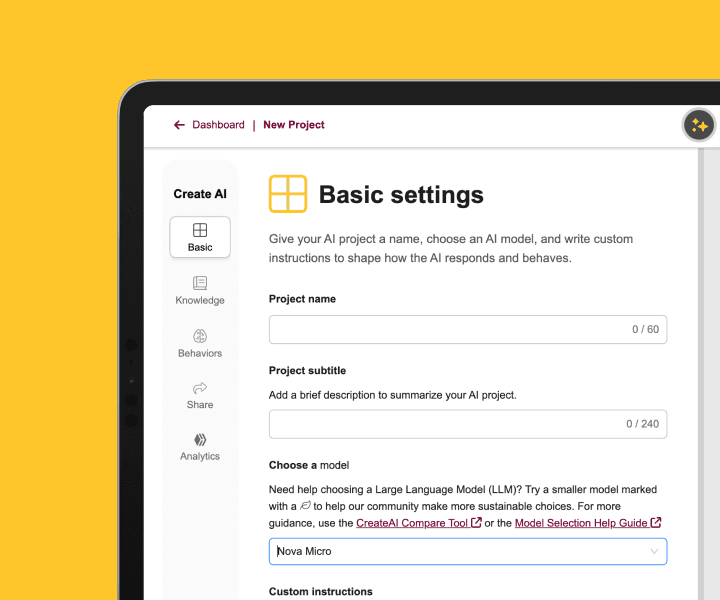
Users are not using just one LLM. They are using multiple LLMs for different situations.
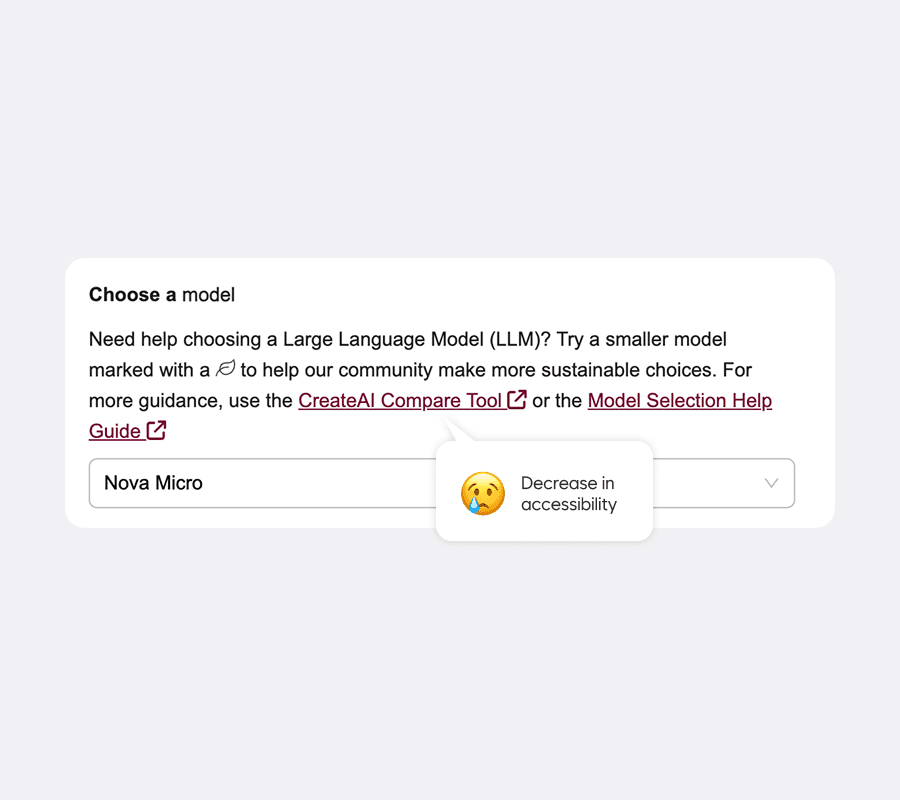
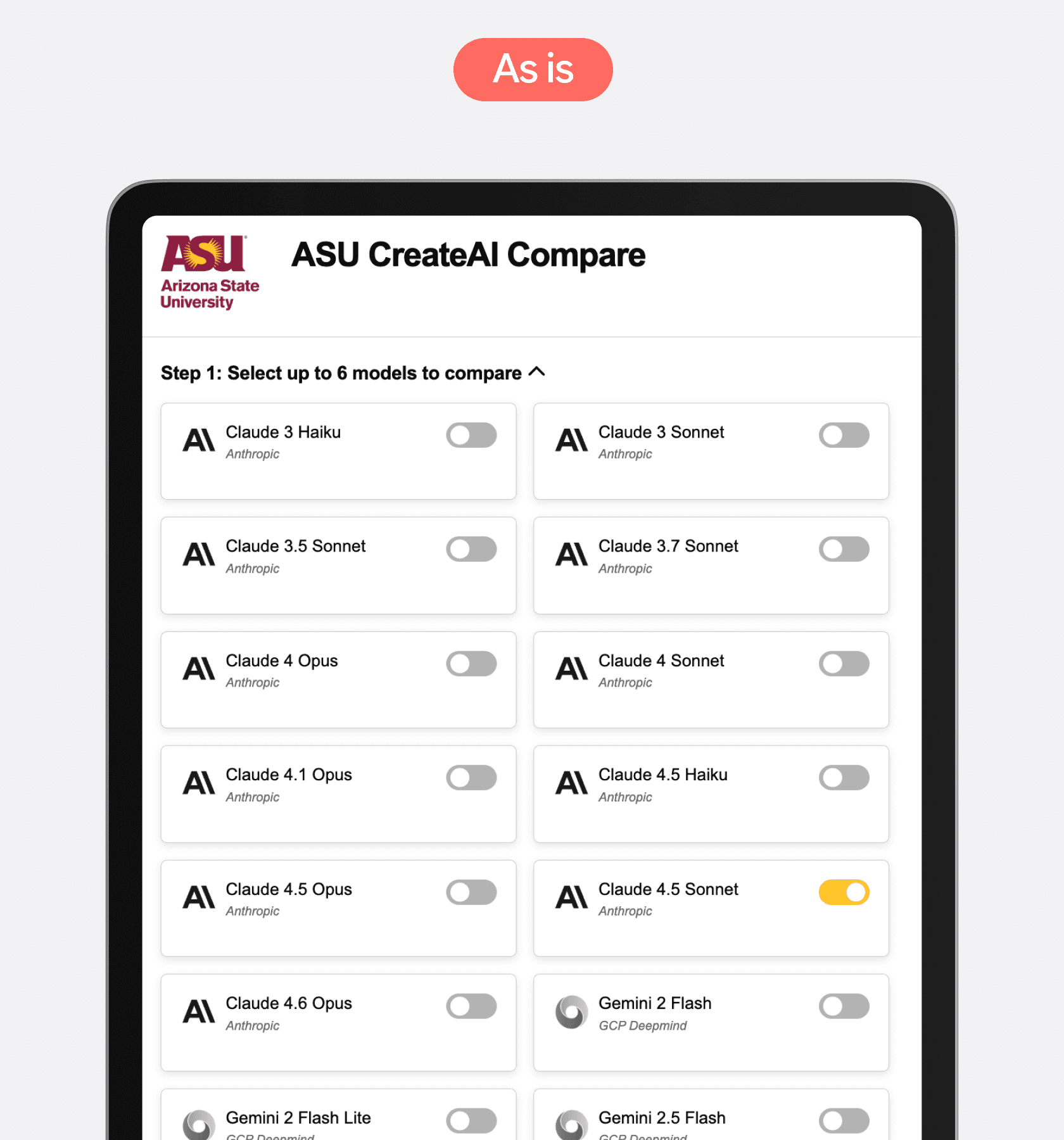
CreateAI Builder supports this with a powerful tool for comparing model responses and finding the best fit. However, this feature is underutilized because it forces users to navigate to an external site, disrupting the workflow and adding unnecessary friction.

SOLUTION
① Boosting Feature Visibility
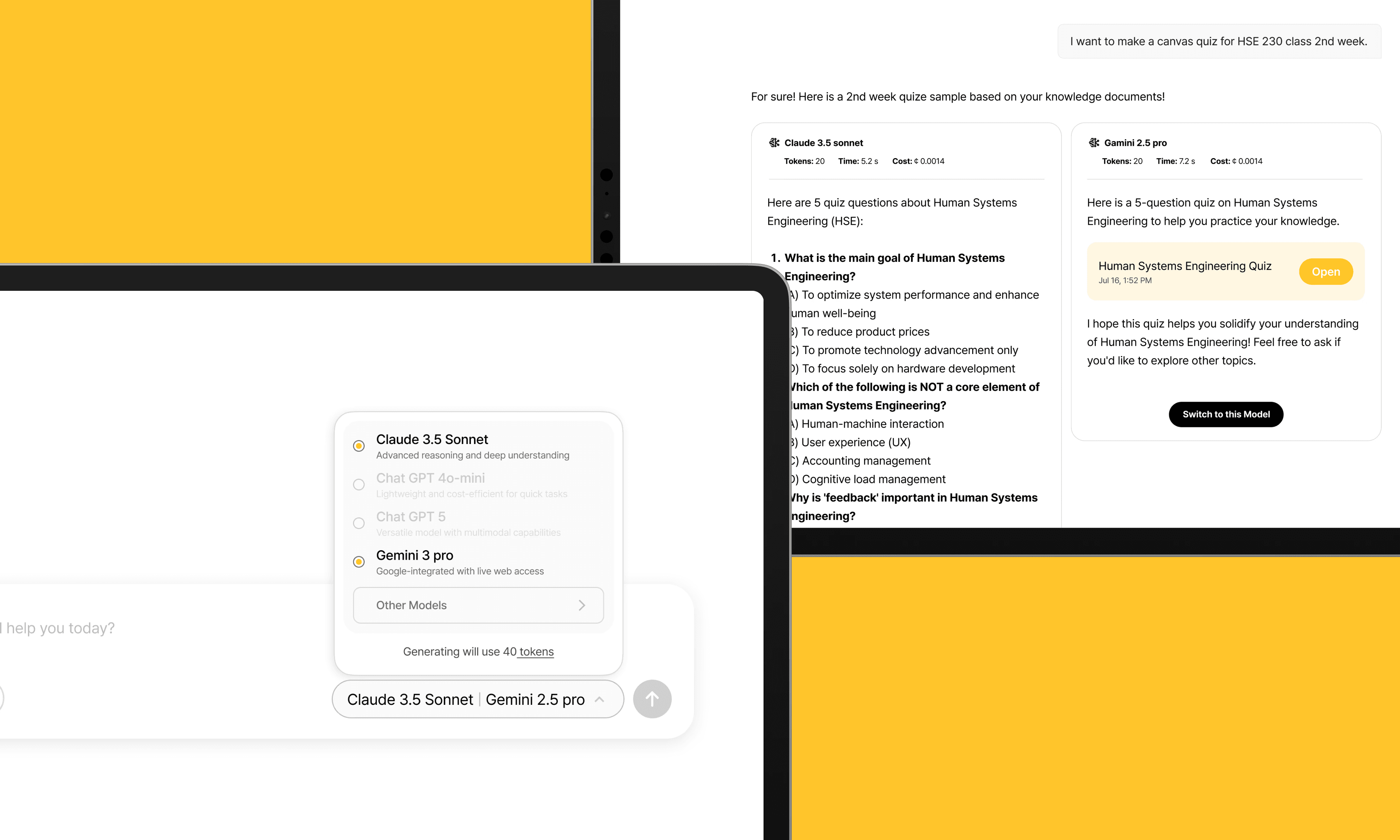
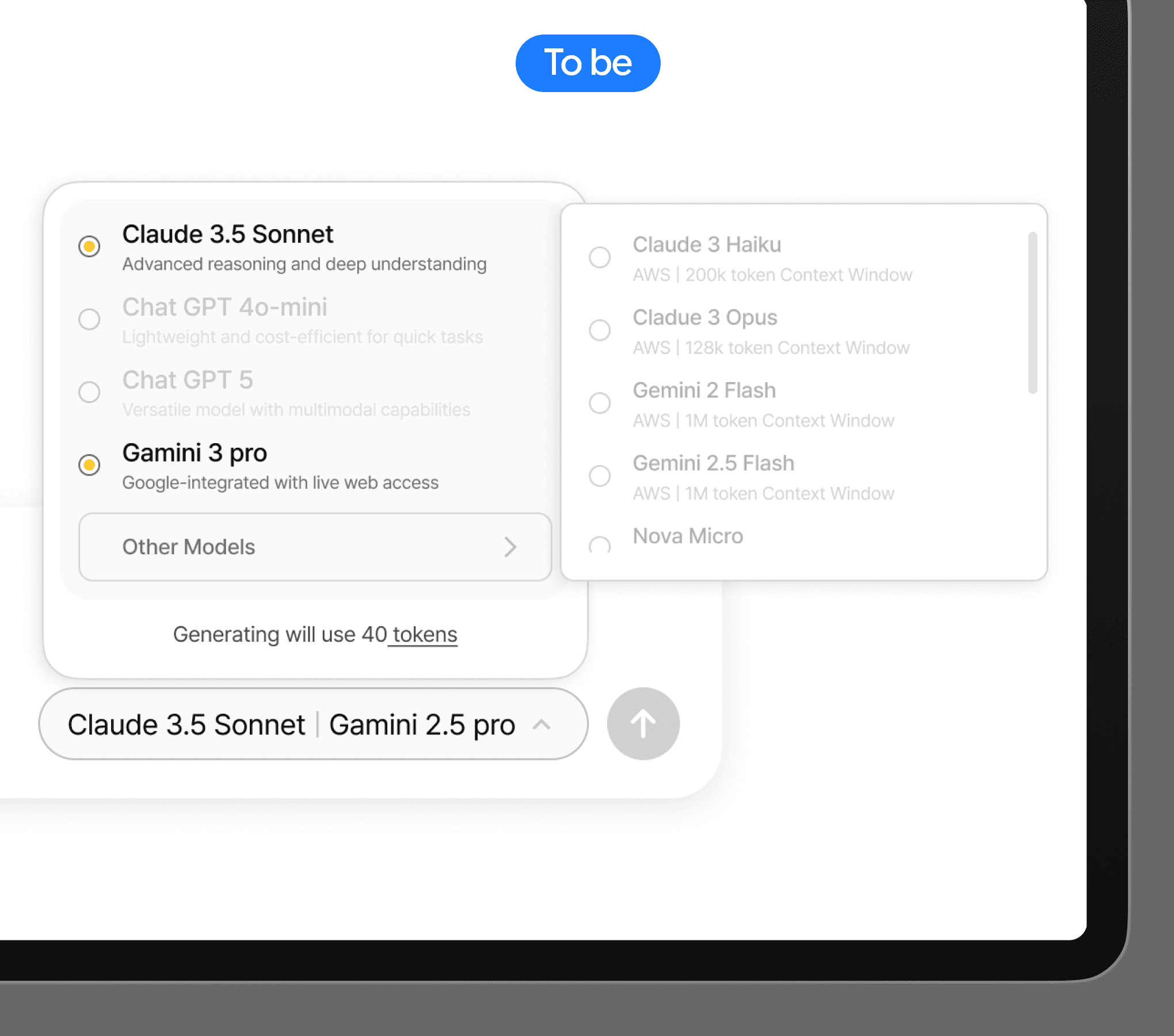
To improve accessibility, two features were combined into one place.
Placing Model Compare in the Prompt input keeps the feature visible while users interact with the system, increasing discoverability and engagement. This familiar pattern, widely adopted in recent Google AI products, OpenAI, etc., helps improve user engagement.
② Smart Constraints Improve Usability
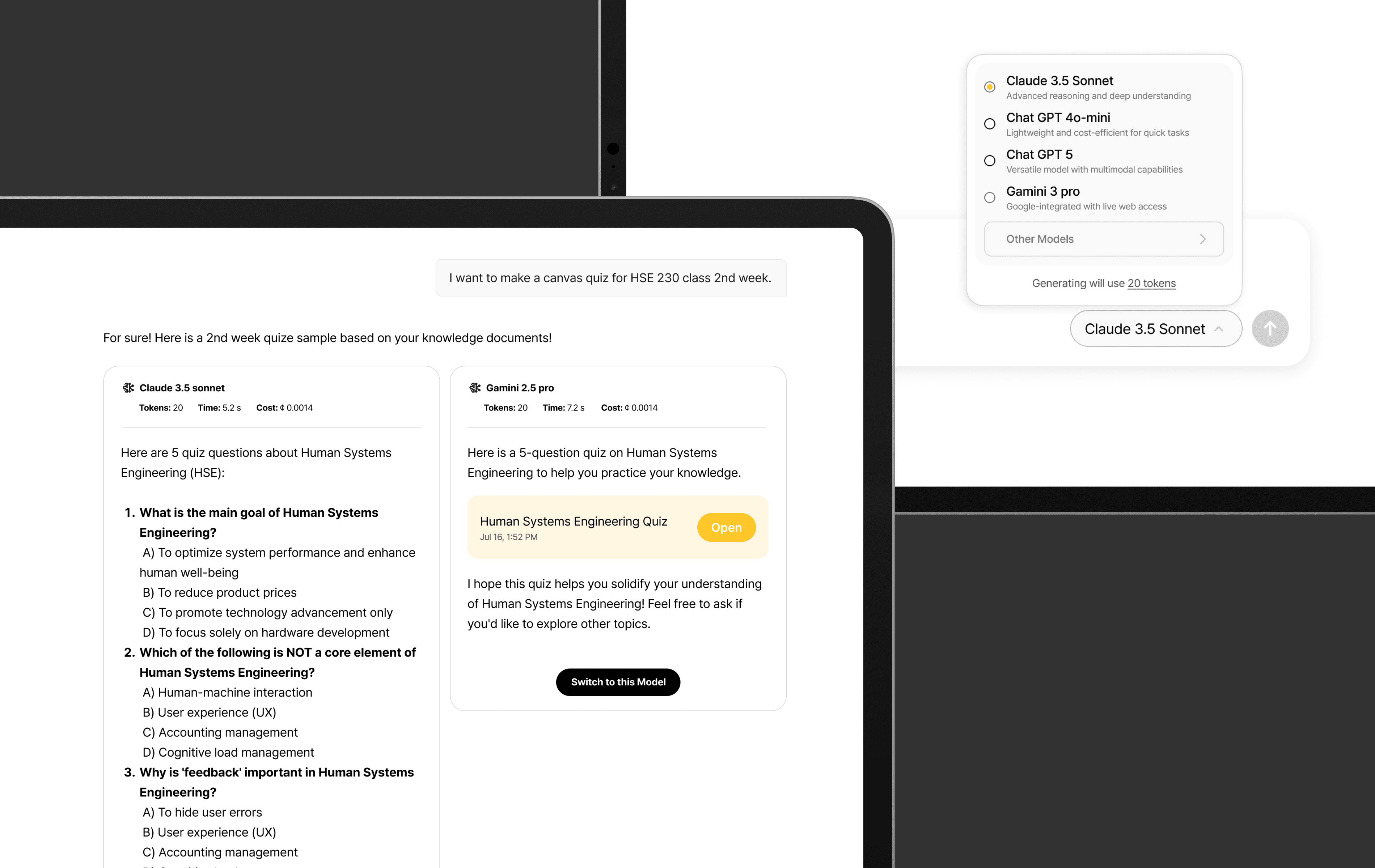
Instead of listing numerous LLMs, I designed the experience to allow users to select and compare only two models. This constraint, combined with clear guidance, helps reduce decision fatigue and make decision-making easier.
IMPACT
Task Efficiency
Satisfaction Score